


Featured Items
- Details
- Category: Training
- Hits: 51
 |
 |
[2026-06-06] Field Day 2026 is rapidly approaching, followed by the Radio Amateurs of Canada Canada Day Contest. Field Day is a continental-wide emergency preparedness operation for the amateur radio service in North America (although other countries can check in for a DX contact). Hyperlinks to both operations, masked as contests, are set out above with the two logos.
Traditionally, participation in Field Day has been limited by Society members. They have work or are traveling or are availing themselves of the summer (4 months here and then 8 months of winter).
This year our participation in Field Day will be a bit unconventional, not aimed at point scores, but rather aimed at performing certain activities including message handling, QRP operation, copying the Field Day general messages and testing out new batteries, solar panels and the like. Message handling in particular will be something we will be promoting in order to achieve points, allow others to rack them up and to gain greater proficiency in that. Some new (or used) equipment might be tested. Generally we will likely operate as a 1A or 2A NT station.
To recap:
- June 27-28 (11 AM to 11 AM)
- Yellowknife Sandpits
- Field Day 2026
- Details
- Category: Members' Projects
- Hits: 100

[2026-06-06] VE8IR has very little experience with APRS (Automatic Position Reporting System) and Packet Radio. He recalls VE7NB experimenting with this in the late 1980s - at least packet radio. Some of the local amateur radio operators here in Yellowknife have been experimenting with it for some time and have set up various receiving stations (IGates) linking to the Internet. Digital packets concerning position reports, weather data or whatever telemetry is of interest are sent to these stations and read by other local radios directly or through the Internet.
- Details
- Category: Training
- Hits: 100
G4FON Ray Burlingame-Goff became a silent key (SK) on July 29, 2021. His website still remains in operation at: https://www.g4fon.net/ . When it goes silent, it can probably still be accesses through the Internet Archive. His site contains a free Koch CW Trainer. We recommend that for training. There are also options for running simulated CW pile-ups with noise (QRM).
- Details
- Category: Civil Defence
- Hits: 3226
- Details
- Category: Civil Defence
- Hits: 3637
Northwest Territories
- GNWT Evacuee Registration Form
- NWT Wildfire Update (ECC)
- NWT Public Safety (MACA)
- NWT Alert Page (Lists all alerts in the Northwest Territories)
- NWT Fire Facebook Page
- GNWT Facebook Page
- Air Quality - updates (NWT Alert)
- NWT Highway Map
- NWT Status of Highways (INF)
- NWT Emergency Plan (2018)
- Yellowknife Emergency Plan
- Emergency Management Act, SNWT 2018, c.17
- Continental Smoke Plume (Environment Canada)
- Continental Wildfire Situation (NASA FIRMS)
- Public Safety Canada
We no longer list Facebook/Meta information. We discontinued our page long ago. See: https://en.wikipedia.org/wiki/Criticism_of_Facebook . The GNWT still uses it.
YARS Repeater Frequencies.
The Yellowknife Amateur Radio Society runs two VHF 2 m repeaters in the Northwest Territories:
- VE8YK/R (146.940 MHz with -600 kHz offset with a 100 Hz sub-audible tone) based in Yellowknife (IRLP was verified as functional as of 2023-08-02 by VE8IR and M0XWS and VE8RT); and
- VE8RAE/R (145.150 MHz with -600 kHz offset) based in Behchokǫ̀ (formerly Rae).
There is also a Yellowknife Amateur Radio Society test repeater in operation on the 70 cm band:
- VE8YK/R-2 (440.000 MHz with +5 MHz offset) based in Yellowknife.
YARS Simplex Frequency
The Yellowknife Amateur Radio Society also has traditionally used a simplex frequency to fall back on should any repeaters fail - 146.520 MHz .
Members of the Yellowknife Amateur Radio Society and all amateur radio operators in the area are asked to monitor the VE8YK and VE8RAE repeaters when they can for emergency traffic that needs to be relayed.
Other Amateur Repeaters in Yellowknife
Unknown
National HF Emergency Communications Frequencies for the Amateur Radio Service
| Single Sideband | CW | Digital | ||||
|---|---|---|---|---|---|---|
| Band | Frequency | Tactical | Frequency | Tactical | Frequency | Tactical |
| 80 m | 3.675 MHz LSB | Alfa | 3.535 MHz | Golf | 3.596 MHz | Mike |
| 40 m | 7.135 MHz LSB | Bravo | 7.035 MHz | Hotel | 7.096 MHz | November |
| 20 m | 14.135 MHz USB | Charlie | 14.035 MHz | India | 14.096 MHz | Oscar |
| 17 m | 18.135 MHz USB | Delta | 18.075 MHz | Juliet | 18.096 MHz | Papa |
| 15 m | 21.235 MHz USB | Echo | 21.035 MHz | Kilo | 21.096 MHz | Quebec |
| 10 m | 28.235 MHz USB | Foxtrot | 28.035 MHz | Lima | 28.096 MHz | Romeo |
https://www.rac.ca/national-hf-emergency-communications-frequencies/
For more information see:
- NWT Wildfire Alert page
- Repeaters
- 2017 Images (Images of 2017 Refurbishment of the VE8RAE repeater)
- https://www.repeaterbook.com/repeaters/location_search.php?state_id=CA13&type=city&loc=Yellowknife
- Details
- Category: Technical Notes
- Hits: 2455
Retrofuturism - Anachronistic Technology and HAM Radio

The figure above may seem rather silly. It shows WordPerfect 8.0 for UNIX running - roughly the equivalent of WordPerfect 4.2 for MSDOS - mid to late 1980s. WordPerfect 6.0 for MSDOS is shown running in the DOSBOX, an emulator for MSDOS - late 1990s). Finally WordPerfect X.13 is shown running in a virtual machine that is running Windows 7. All of these are running under Linux Mint 21.x. The laptop on which they are running is an old ASUS X55U, with motherboard manufactured in 2013.
- Details
- Category: Activities
- Hits: 1723
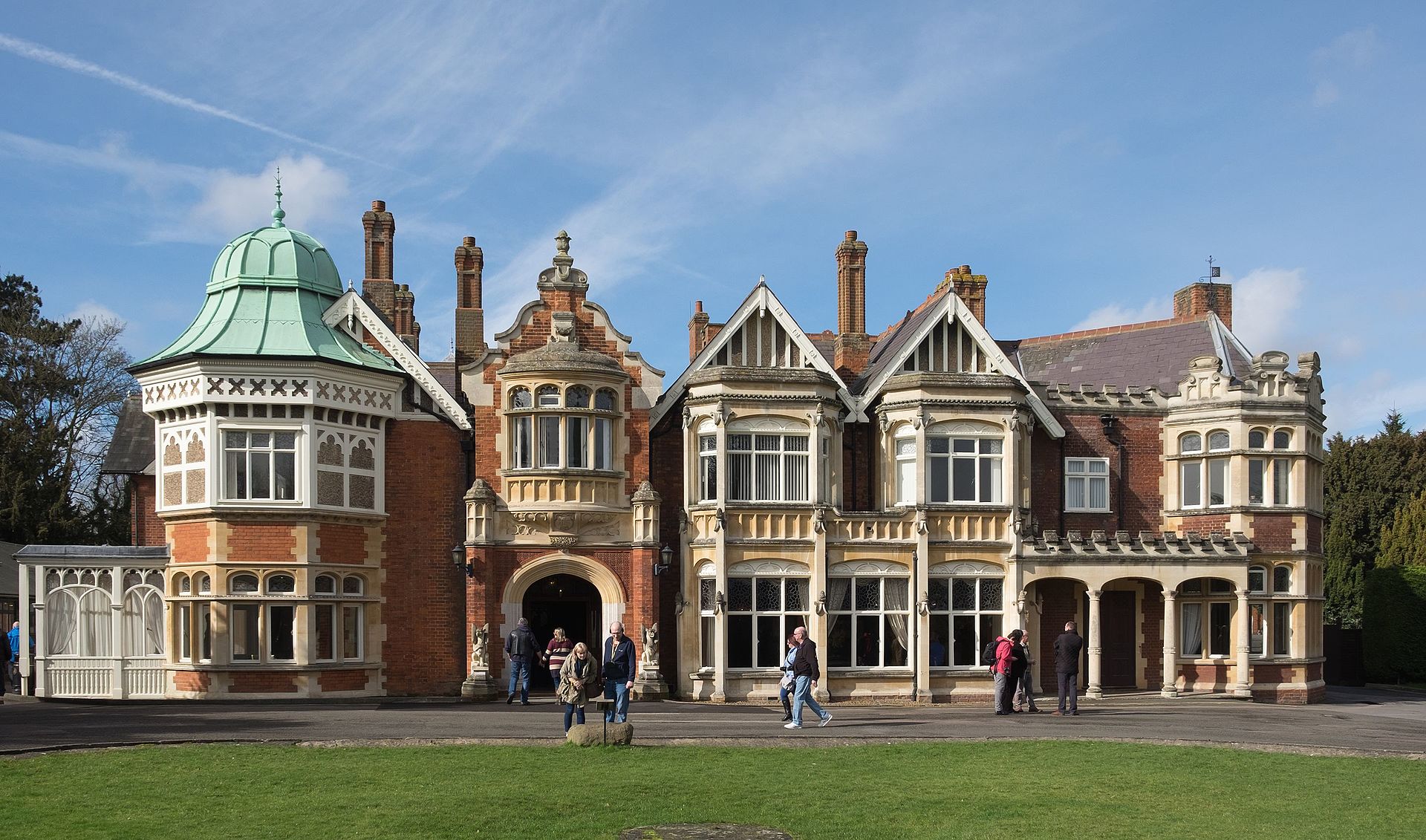
The AI working group has now been established. For an introduction into what is AI see the Wikipedia entry on this at: https://en.wikipedia.org/wiki/Artificial_intelligence . Simple AI is not the focus of this working group. That is more inline with the Linux working group or computing in general. Computing and telecommunications have long been associated with one another at least since the Second World War (Bletchley Park)
Learning About Artificial Intelligence
There is no getting around this, one will have to start learning Python. Python is a programming language that is very common at the present. It is derived from the programming language C. Specifically Python 3.x is to be used. We need to be careful about resources out there in that some are oriented towards Python 2.x and there are significant differences with Python 3.x. Generally anything released after 2008 should be a good source. Python 2.x has been discontinued since 2020 (Python 2.7.18 was the last release). At the moment I am running Python 3.11.0. I encourage you to read the Wikipedia entry (https://en.wikipedia.org/wiki/Python_(programming_language) ) and look at its sources. The Python official website is at https://www.python.org/ .
Python is open source (which means it is free). Options:
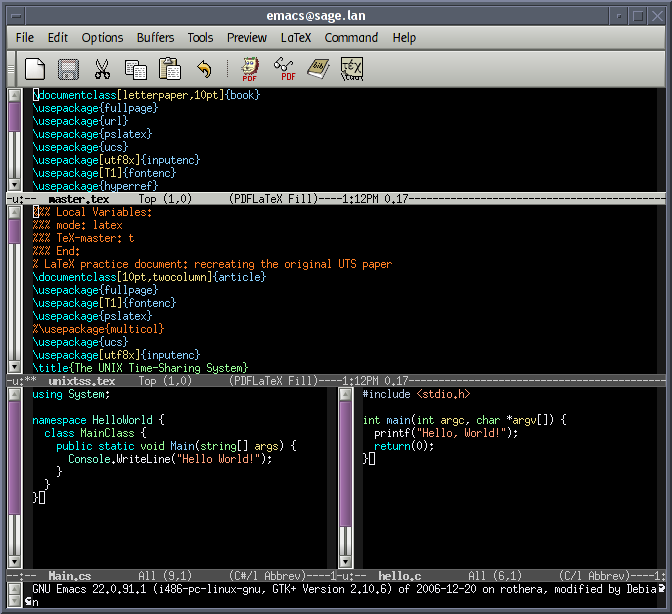
- Take an old Laptop and install a Linux operating system (see: Linux project). For installation assistance of the operating system, make use of the Internet and YouTube. Most Linux distributions come with Python installed. When installed, check the version. If necessary you may need to update it (especially if it is not version 3.x). You may also consider installing an Integrated Development Environment (IDE) such as shown in Figure 2. A simple editor could work, however that is probably for more experienced users and users who veer towards minimalism (some amateur radio applications go in that direction). One can also access python directly from the console or terminal in Linux. Our recommendation is to go with the Linux installation on an old obsolete laptop (perhaps one of those ones not capable of running Windows 10 or 11). This will give you a chance to experiment or "play" with the system at minimal expense, breathe new life into a laptop that is heading for "silicon heaven" - and show-off how nerdy you might be but at the same time saving the environment (by not generating e-waste gratuitously.
- Install a Python IDE into your current computer. This may offend your computer's security system. Details for Windows can be found at: https://www.python.org/downloads/windows/ . Details for the Mac OS can be found at: https://www.python.org/downloads/macos/ . There are some commercial vendors out there too. Although I have been using Windows for years, I find that as I explore Linux, I am learning a great deal about Windows systems. As a user, I have never really bothered to look into how Windows is set up or configured. I think that is probably quite common. For this reason we recommend against this approach unless you really know what you are doing in Windows or MAC - in case you "break" them. I tried to install Python IDE in Windows but I halted when security warnings came up.
- Work Online. I am a beginner in all of this and it is increasingly evident there is a great deal of information online regarding AI and how to learn about what is AI (i.e. what is under the hood/bonnet). Google Colab provides a resource that includes instruction sheets and an online working terminal for python. It is based on Jupyter notebooks. On YouTube there are many instructional videos on Python, AI and computer science. PyTorch is an important resource and many of the online lessons are derived from its documentation. PyTorch is particularly focused on Large Language Models (LLMs), whatever those might be... Google Colab has the processing power of a high-end computer and it can be augmented (for a subscription). The free version is apparently suitable for early learners. Another source of information is the GitHub repository. This is the approach I am taking as I work through one of the videos on YouTube (it is 24 hours long...) that is based on Colab, PyTorch and GitHub.
Conclusion
This page is a work in progress. How is generative AI important to the amateur radio service? (we are always speaking of generative AI rather than simple AI such as FT-8) I put that to ChatGPT 3.5 (i.e. AI). Then I put this to ChatGPT: "Generate an MP3 file that simulates auroral flutter of a CW amateur radio QSO". It took a while to respond. The record, including the link to the MP3 file is at: